Refunds, Payment Report (for Operators) + Tweaks
🎉 Happy New Year and Welcome to 2025! 🎉
We’d like to wish all of our clients, partners and followers a fantastic start to the new year. We’re incredibly grateful for your continued support as we move forward into what promises to be an exciting year for all of us. Here’s to a successful year ahead! 🚀
In our first update for 2025 we’re releasing new Refund functionality, alongside a number of tweaks detailed below.
Refunds
You can now apply Refunds on the Operations page, allowing operators to record any refunded payments made back to the customer. This can be enabled for any payment type and allows for flexibility in how your refund. For example;
Cash can be refunded just with Cash
Card can be refunded with both Cash and Card
These refunds are the tracked in the payment summaries, payment reports and the reconciliations.
If you would like this feature turned on for your organisation, please contact us!

Operations
When running a payment report, it will now run for the payment type you have filtered on the page. This is useful for scenarios where you just want to view the report for a single payment type (like Card) without getting all payments on the report. For example:
If you have all loads showing, the payment report will display all loads and payment types.
If you have just Card payment loads showing, the payment report will display just card payments.
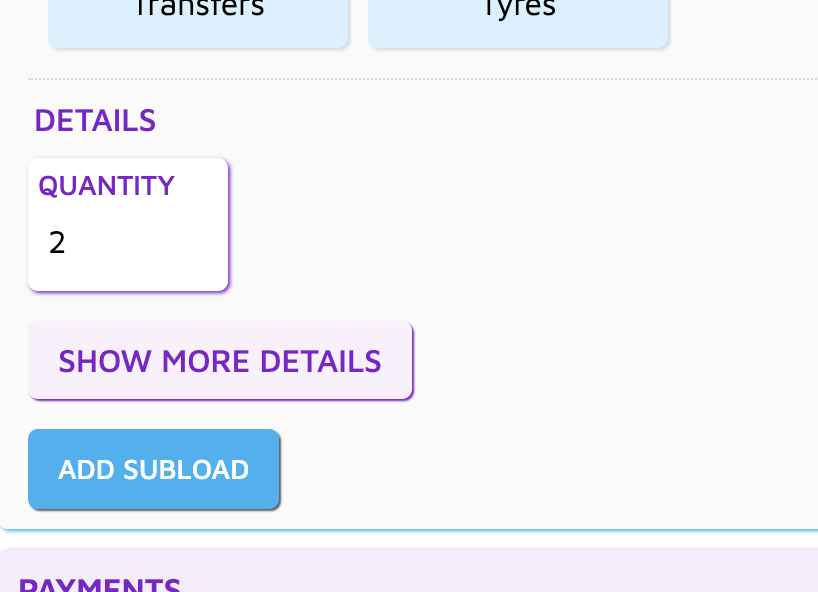
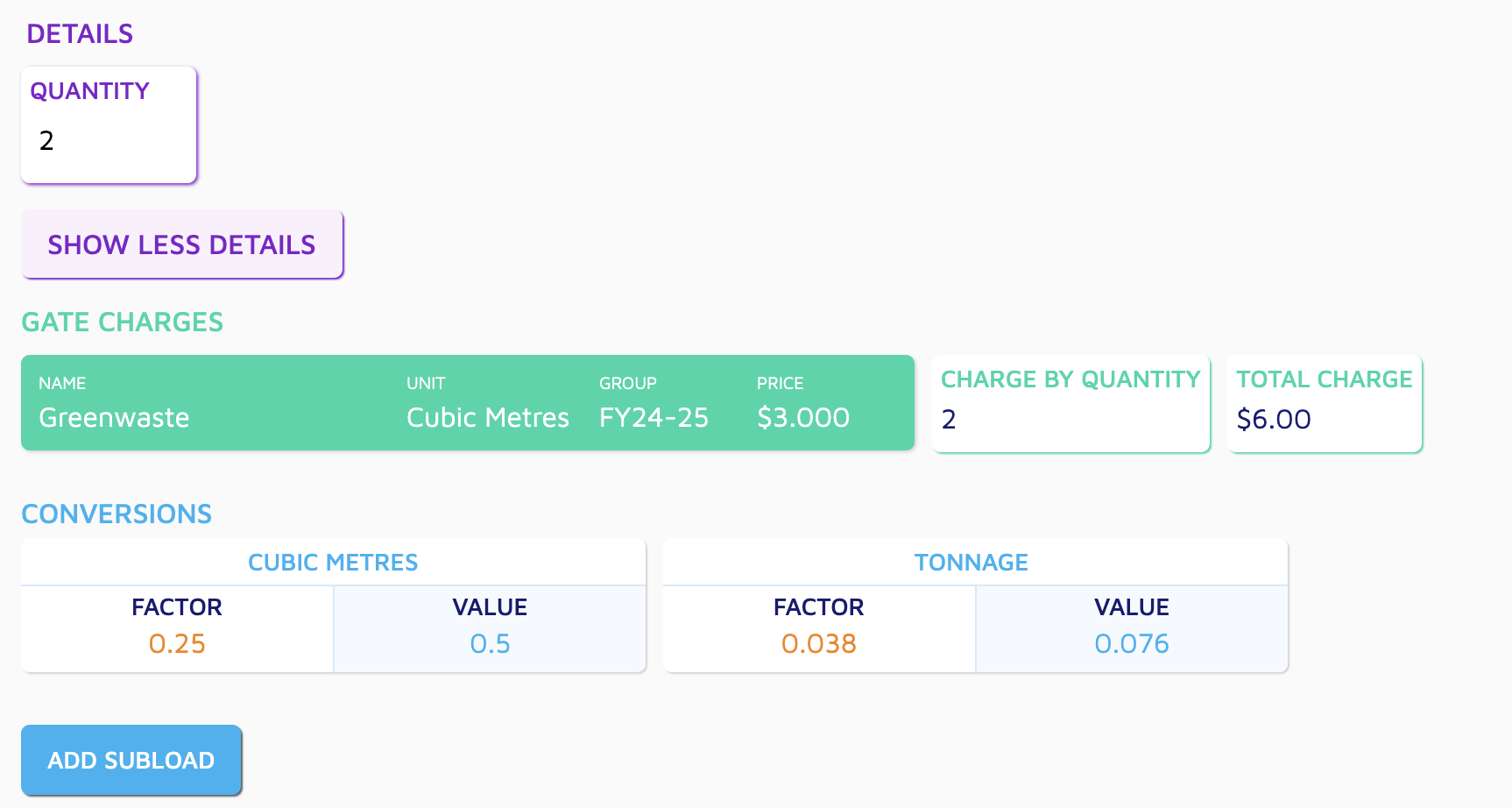
We now hide a few of the fields on a subload that aren’t relevant to the operator (such as cubic/tonnage conversions and regulatory charge calculations), you now need to press the MORE DETAILS button to view these fields.
Payment Reconciliations
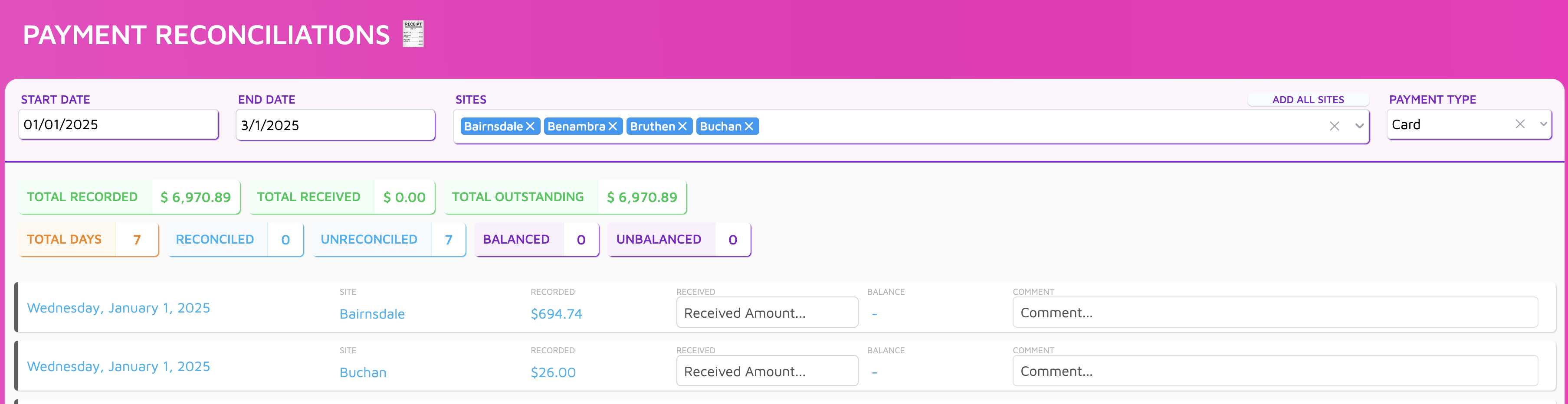
You can now display multiple sites at once for a date period, instead of having to complete them per site.
Minor visual updates.
Bug fixes
When approving a timecard, the list of timecards was still showing it as unapproved until you refreshed the page. It’s now back to updating it automatically.
When a user had a break on their timecard, you had to remove that break before you could delete the timecard. Now you can just delete the timecard.
Coming Up Next
QLD Levy Calculations
Stockpile Management
Customer Portal
Weighbridge Scale & Number Plate Recognition integrations